
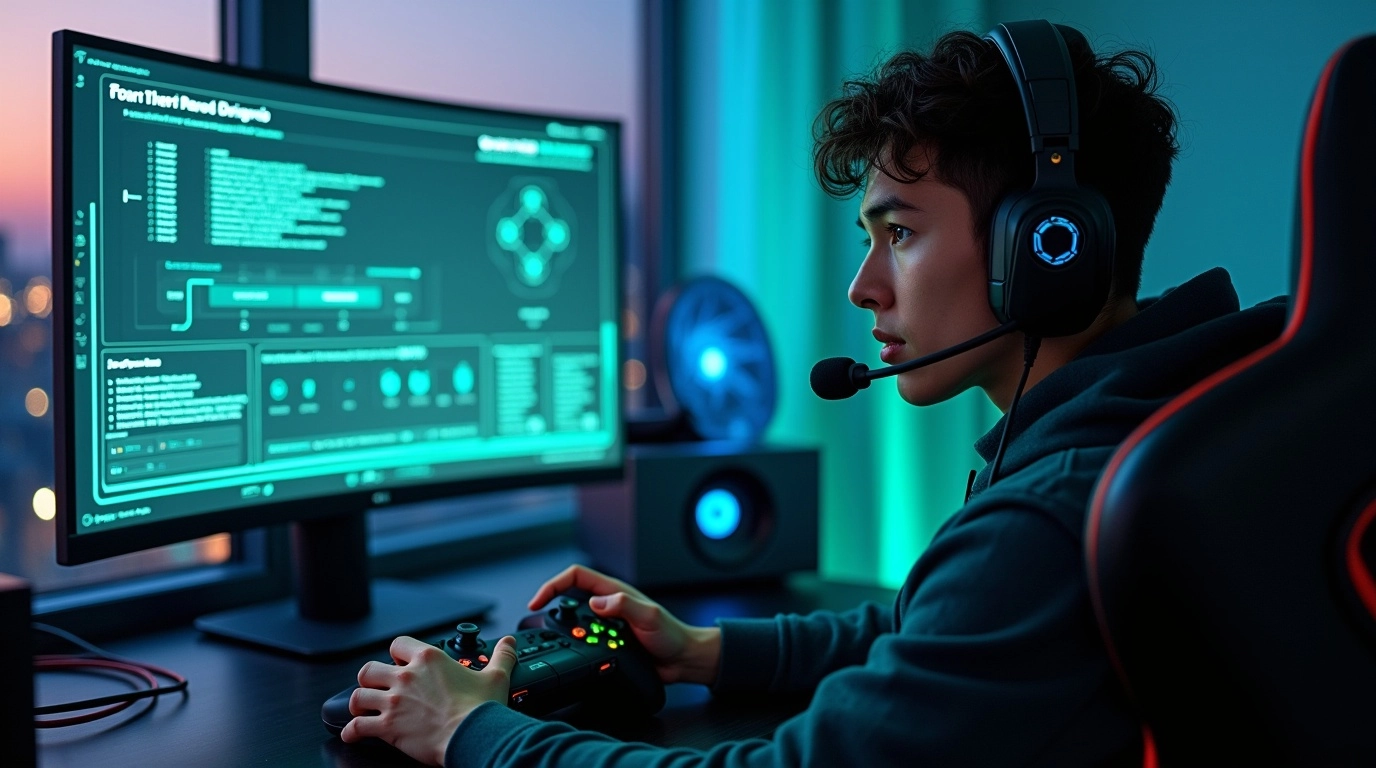

There’s something uniquely gut-wrenching about losing a crucial round in Valorant or Rocket League; not because you missed a shot but because your connection stuttered at the worst possible time. We’ve watched clutch moments evaporate in a haze of lag or seen disconnects rob someone of a LAN victory (just ask anyone who saw the infamous server outages at a Call of Duty Major). For players and organizers alike, network issues aren’t just an inconvenience; they’re make-or-break obstacles in esports. That’s why we’re here: to equip you with a step-by-step esports network troubleshooting plan to help you play your best and keep your teams connected, no matter what.

- Lag spikes in esports network connections often point to unstable Wi-Fi or bandwidth congestion.
Esports Network Troubleshooting
We know it sounds technical, but solving network headaches doesn’t require a PhD in IT; just a little patience, some practical steps, and a willingness to tinker with your setup. Over time, we’ve collected plenty of best practices (and battle scars) to share, so let’s dive in.
1. Introduction: Why Reliable Network Performance is Critical in Esports
From tense CDL Grand Finals to your squad’s local scrims, nothing stops momentum like a lag spike or dropped connection. The difference between first and second isn’t just aim; it’s also making sure your inputs actually reach the server on time. We’ve seen everything from teams collapsing mid-map because of sudden packet loss to organizers scrambling as Wi-Fi blips mid-tournament. Stories abound of players DQ’d for disconnects they couldn’t control, and there’s no heartbreak like seeing your hard work erased by “connection interrupted.”
All this means one thing: network preparation is just as essential as strategy, mechanics, or comms.
2. Understanding Esports Network Issues: The Big Three (Lag, Packet Loss, Disconnects)
When it comes to esports network troubleshooting, three villains lurk in the world of competitive gaming: lag, packet loss, and disconnects. Lag is that split-second delay between pressing a button and seeing the action happen; ever notice your shots feel a heartbeat late in Overwatch or Apex Legends? Packet loss is more insidious: it’s when bits of data never make it to their destination, causing stuttering movement or lost actions, like your DMR shells in Halo Infinite missing entirely. Disconnects, the most brutal, simply boot you out mid-play; nothing snatches a win away faster than seeing a “Connection Lost” prompt just as you’re capping the point.
We’ve experienced all three, and the fixes often start with understanding what’s actually happening.
3. How to Diagnose Your Network Problem: A Step-by-Step Guide
Pinpointing your problem doesn’t have to be intimidating. Start by watching for in-game warnings: “High Ping” alerts, red chain icons, or rubber-banding are classic clues (Call of Duty even shows real-time network stats in settings!). Out of game, open up Command Prompt and try a “ping google.com” or use “tracert” to follow the route to a server.
Many of us keep PingPlotter or WinMTR running in the background to graph out blips or packet drops. Running a speed test after noticing lag can help in spotting sudden dips and is therefore good for Esports network troubleshooting. Keeping written notes or screenshots whenever issues arise builds a pattern; sometimes, the data will show problems that match up with streaming times at home or local ISP downtime.
- Prioritize gaming traffic through Quality of Service (QoS) settings.
4. Quick-Fix Solutions: What Every Esports Player Should Try First
Sometimes, the simplest actions make the biggest difference. We always start our troubleshooting routine with a router/modem restart; give it two minutes fully powered off. Switching from Wi-Fi to Ethernet has rescued more games than we can count; a direct connection cuts wireless interference out of the picture.
It helps to close Spotify, Discord streams, or big game updates churning in the background (we’ve had scrim nights ruined by sneaky Windows updates stealing bandwidth). Give your cables a quick check for kinks or cracks; nothing breaks hearts like discovering a gnawed Ethernet cord after a lost finals match. If possible, move your router away from microwaves and thick walls or try another outlet; minimizing household congestion goes a long way.
5. Advanced Troubleshooting: Home Network Optimization for Esports
When the quick fixes don’t cut it, it’s time to graduate to the next level of esports network troubleshooting. We’ve found that outdated firmware or old network drivers can cause mysterious headaches; visit your router manufacturer’s site for the latest update and do the same for your motherboard’s LAN drivers.
Quality of Service (QoS) settings are a secret weapon: inside your router’s control panel, prioritize your console, PC, or even the esports app itself. Suddenly, your traffic has a first-class ticket, and the Netflix binge in the living room won’t sabotage your ping. For those feeling adventurous, tweaking your NAT (Network Address Translation) to “Open” or adjusting Maximum Transmission Unit (MTU) values unlocks even smoother sessions, especially in games like Rainbow Six Siege or Fortnite. While modifying MTU values can help in some cases, it’s essential to approach this cautiously, as incorrect settings may lead to further issues.
Some of us have sworn by investing in a dedicated gaming router; models like the ASUS ROG Rapture or Netgear Nighthawk shed all the extra “smart home” clutter just to serve up uninterrupted gameplay (High-end gaming routers with features like QoS can improve performance, but it’s important to ensure that these features are configured correctly to avoid potential drawbacks). If you’re running multiple devices across a big space, gigabit Ethernet for every key setup is a must, and stabilizing network power with an uninterruptible power supply (UPS) guards against brownouts and surges, too.

- Restarting your router can resolve IP conflicts and refresh your connection.
6. When the Problems Aren’t at Home: ISP & Server Side Checks
In the context of esports network troubleshooting, sometimes the bad news is that you’re doing everything right, but the issue is out of your hands. We’ve had nights where every household device acts up, or game connections tank at the exact moment a local outage or ISP routing problem hits. ISPs and gaming servers themselves can experience hiccups, lag spikes, or restrictive throttling, especially during major update days or regional rollouts.
Our advice: keep a folder of screenshots, PingPlotter logs, and dates/times when issues happen. When you call your ISP or file a dispute with tournament support, having this ammo gets you taken seriously. Many pro teams have scripts prepped to monitor performance; sometimes, a simple “all connections down at 7:22 pm” is the evidence needed to escalate your ticket. Watch too for familiar language: if support mentions “scheduled maintenance” or “load balancing,” your only real move may be patience.
7. LAN Event & Tournament Network Troubleshooting: What Organizers/Players Need to Know
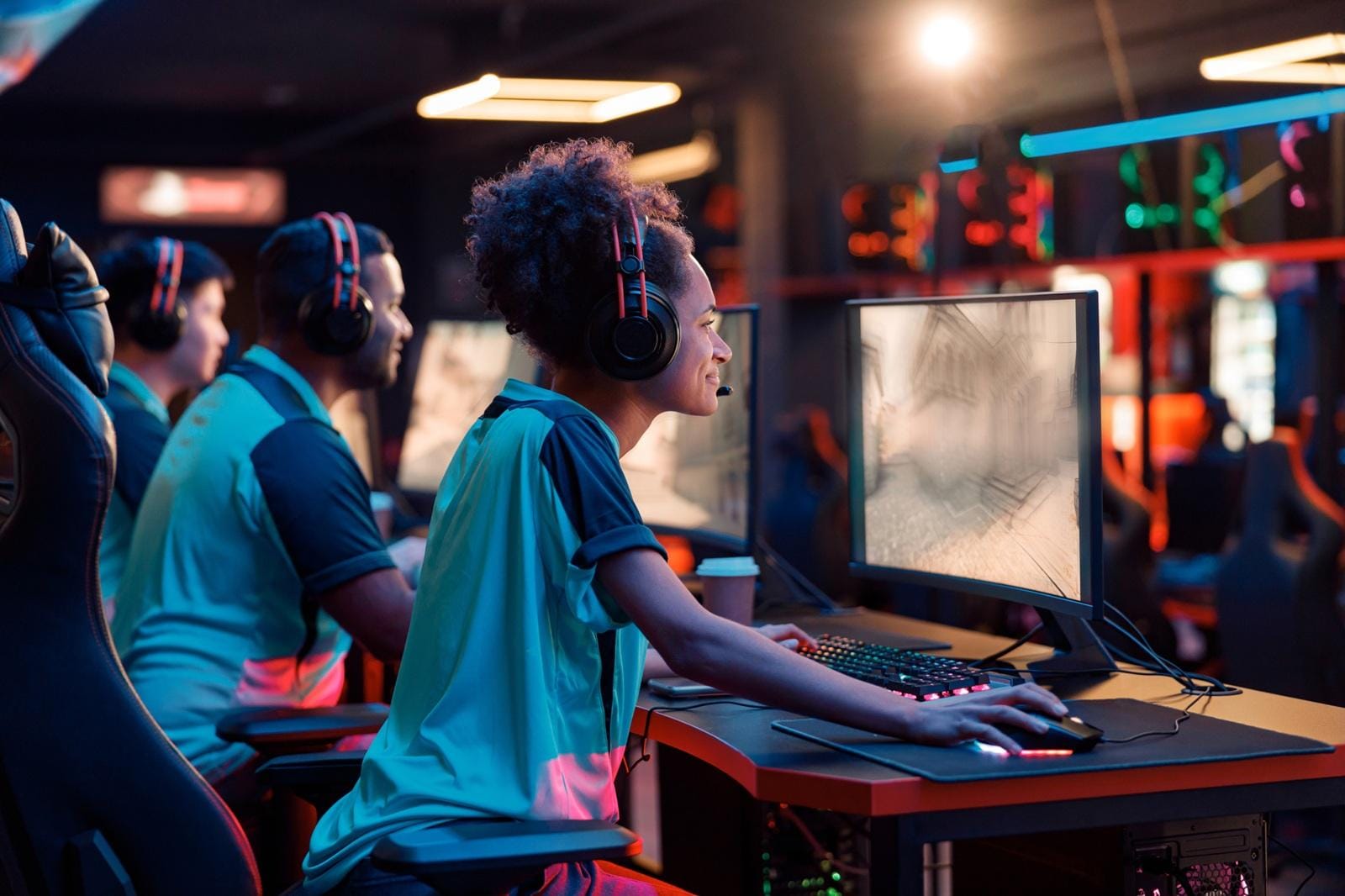
Offline events come with their own set of high-stakes challenges. Unlike at home, you’ll need to manage not just your own connection but dozens, sometimes hundreds, at once. We’ve seen successful LANs double up on network equipment, running redundant fiber and hot-swappable switches, just to keep the games rolling if gear fails.
Always have an experienced IT/network staffer on call for esports network troubleshooting; nothing derails a bracket like a mystery IP conflict with no tech help in sight. Backup devices, like spare routers and extra cables, are a lifesaver. We’ve witnessed top orgs literally racing to swap backup hardware to prevent forfeits. For organizers, failover internet (secondary ISP lines) is the gold standard, and detailed network maps/labels keep chaos at bay if you need to reroute traffic in a pinch.
8. Extra Pro Tips & Long-Term Solutions
Over the years, we’ve added a few staples to the toolkit: invest in premium, shielded Ethernet cables (they last longer and resist interference), and if you’re running a gaming house or team office, consider a mesh network or extender system to fill those Wi-Fi dead zones. Track your best and worst network days with a digital log or app; sometimes, just knowing your patterns helps you plan for smoother scrims.

- DNS changes (like to Google or Cloudflare) can improve server response time.
Stay in touch with your ISP’s upgrade paths; faster plans or upgraded neighborhood infrastructure can quietly fix lag for everyone. Some orgs, especially in the upper tiers, subscribe to two ISPs for instant failover. It sounds extreme, but for major tournaments, every second of stability counts.
Tournova: Streamlined Tournament Management in the Face of Network Hiccups
Tournova’s platform builds resilience into the heart of online tournaments and esports management, crucial for esports network troubleshooting. By automating everything from player matching and bracket setup to reporting results and prize distribution, Tournova allows both players and organizers to focus less on logistical headaches and more on actual gameplay. Its integration within Telegram and Discord means tournament activities stay centralized in the familiar social spaces players already trust, which greatly reduces confusion when troubleshooting tech hiccups, lag, or sudden disconnects.
The advanced tools offered through Tournova, including transparent, Web3-secured prize payouts and a frictionless dispute/reporting process, are designed for real-world network realities. Tournament organizers can easily adapt formats, communicate instantly with participants, and handle reschedules or disputes if technical issues arise. Thanks to this robust support and the platform’s innovative token economy that keeps players engaged regardless of occasional connection setbacks, Tournova is well-positioned to deliver a fair, friendly, and frustration-free competitive gaming environment, even when the internet doesn’t cooperate.
In the End: Turn Frustration into Competitive Focus
Short circuits and dropped frames don’t have to define your esports journey. Most network issues, whether at home or on stage, are conquerable with a dash of patience, the right esports network troubleshooting steps, and a bit of shared wisdom from fellow players. We’d love to hear your wildest network fails, miracle fixes, or best tournament prep tips. Drop your story or top trick in the comments and help the next competitor stay one step ahead! Your match, your moment, shouldn’t be lost to lag. Let’s keep each other playing at our best!
FAQs: Unique Network Troubleshooting Scenarios in Esports
Q1. How do I request a static IP from my ISP for stable esports play?
Contact your ISP directly; ask for a “static IP for gaming/streaming.” Some providers charge a small fee or require business-level service, but it can improve NAT reliability.
Q2. What’s the best way to secure my router at a LAN event?
Change default passwords, disable WPS, create a dedicated esports-only SSID, and brief staff/players never to share network details outside the team. Keep firmware updated just before the event.
Q3. How can a whole team synchronize their network optimizations?
Create a checklist (QoS, driver updates, wired connections), then review before practices/tournaments. Regularly run team-wide network tests to catch weak links.
Q4. Is mobile hotspotting ever viable for emergency tournament matches?
As a last resort, yes, use 5G or LTE if wired networks fail, but watch for inconsistent ping/packet loss and strict tournament rules on connection types.
Infographics:
## Diagnose: Find the Real Issue
Start with game warnings: “High Ping,” rubber-banding, or disconnect symbols. Run tests, PingPlotter, WinMTR, or a basic speed test, to uncover spikes and missing data. Track patterns: Does lag strike during squad Netflix binges, or is it a random server outage?
—
## Fast Fixes & Easy Wins
– Power cycle your router and modem
– Switch to Ethernet, not Wi-Fi
– Check cables for kinks or damage
– Shut down bandwidth-heavy apps and updates
– Reposition routers away from walls & microwaves