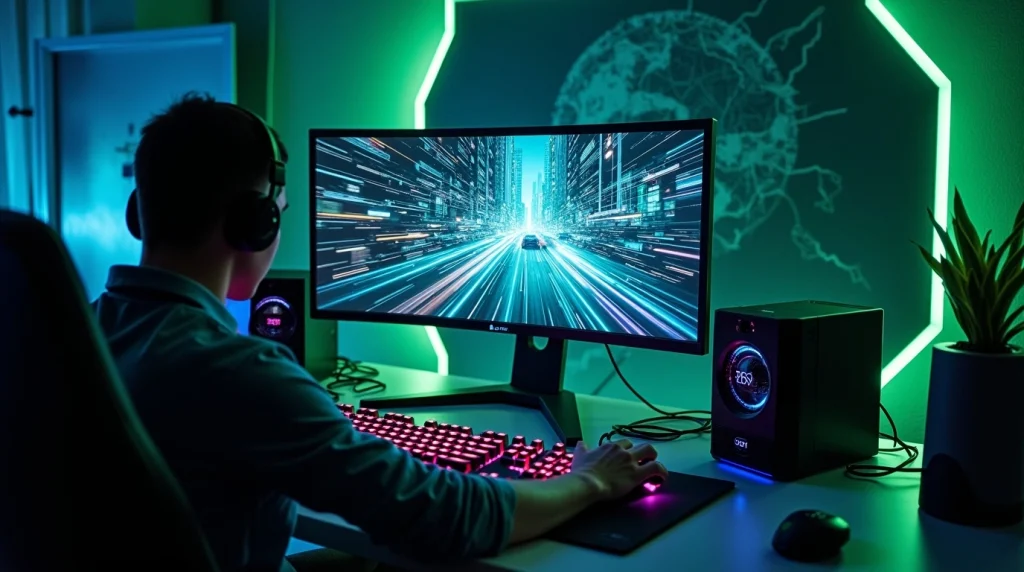

There was a weekend when our Overwatch squad kept crashing into lag spikes that made every team fight a coin toss. It was agony. Suddenly, one friend pipes up: “Try a gaming VPN.” We were skeptical at first; isn’t a VPN just for watching UK Netflix? But for more and more gamers like us, gaming VPNs have become as common as a mechanical keyboard. Not only are they about privacy, but they can sometimes drop your ping, help dodge throttling, and keep you safe from nasty DDoS attacks. Let’s unravel how this works and how you can do it, too.

- Choose a VPN server closest to the game server’s location for the fastest connection.
How to Use Gaming VPNs for Better Ping and Security
Most guides get tangled in jargon, but we’ll keep this human. It’s a mix of curiosity, trial and error, and a little hope that’s led us to some wild discoveries about how VPNs can help (or occasionally hinder) your gaming adventures. Here’s how to get the most out of gaming VPNs without losing your sanity or your rank.
1. Introduction: Why Gamers Turn to VPNs for Performance and Protection
Plenty of us start searching for a VPN after one too many “rubber band” deaths in Fortnite or weird disconnections during Warzone events. The boom in VPN usage among gamers isn’t just about hiding from Big Tech or streaming geo-locked content (though, let’s be real, we’ve done both); it’s about performance. A VPN reroutes your connection, sometimes finding a shortcut past traffic jams your regular route suffers from; PLUS it shields your identity, which matters when you’re playing in open lobbies or streaming.
With ISPs squeezing internet speeds during peak hours and DDoS attacks targeting anyone from Apex Legends grinders to Twitch streamers, adding a VPN can be the secret sauce for reliable matchmaking and peace of mind.
2. How Gaming VPNs Work: The Basics Explained
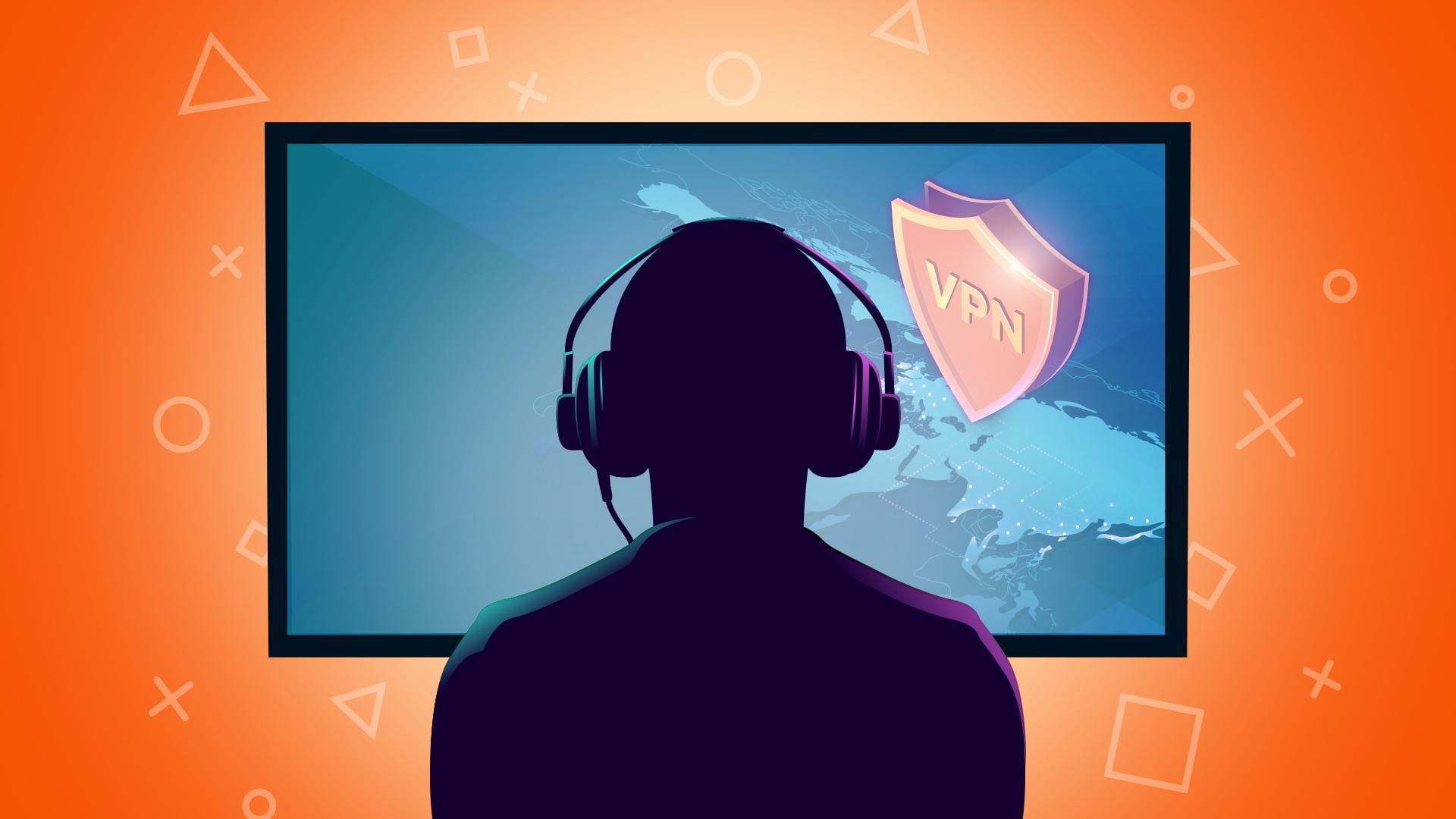
Think of a VPN as a secure tunnel; a route your internet traffic takes to reach the rest of the world, except it’s encrypted, private, and can pop out almost anywhere on the globe (depending on which server you pick). In the gaming world, this means you might jump past a slow or overloaded part of the internet that your regular ISP would force you through.
What surprises many gamers is that sometimes, taking “the long way” via gaming VPNs is actually faster than your default connection. But it’s not magic; sometimes the tunnel can introduce new delays. On the security end, that tunnel keeps your IP address hidden and your data tough to intercept. DDoS attackers? They hit the VPN company, not you, and good luck breaking that wall.
3. When a VPN Helps Your Ping (and When It Doesn’t)
We’ll be honest; there’s no guarantee a VPN will lower your ping in every match. If you’ve run into awful routing (like being sent a thousand miles away from the actual game server), a good VPN can fix it in seconds, putting you on a much more direct line. Many players in MMOs or Battle Royales have seen beautiful results this way.
But sometimes, especially if you’re already on the best route, a VPN adds a bit of delay (it’s the nature of adding something else in the middle). Picking a server too far from your actual game region, or letting the VPN app “auto-pick,” can make things worse. We’ve learned to always run a quick ping test before and after VPN use, just to see if it’s really working for our target game. Nothing beats real, personal data.
- A good gaming VPN can bypass ISP throttling, giving you more consistent performance.
4. How to Choose the Right Gaming VPN
Choosing gaming VPNs means you’re looking for more than just flashy marketing. We’ve been burned by “fast” VPNs that ended up crawling during important matches. Key things to look for: tons of server locations (especially near your usual game servers), proven speed under load, a kill switch to stop leaks if your connection drops, and strict no-logs policies.
Reputable names like NordVPN, ExpressVPN, and even gaming specialists like ExitLag (often discussed in communities) fill these needs, though always double-check forums like r/games or r/pcgaming for the latest feedback. Genuine gamer reviews usually tell you the truth faster than any ad.
5. Step-by-Step: Setting Up a VPN for Gaming
Getting started felt daunting at first, but it’s really easy once you do it:
- Download and install your chosen VPN app (from the official website, to avoid tampered files).
- Sign up and get your login details. Most VPNs have a short free trial; use it!
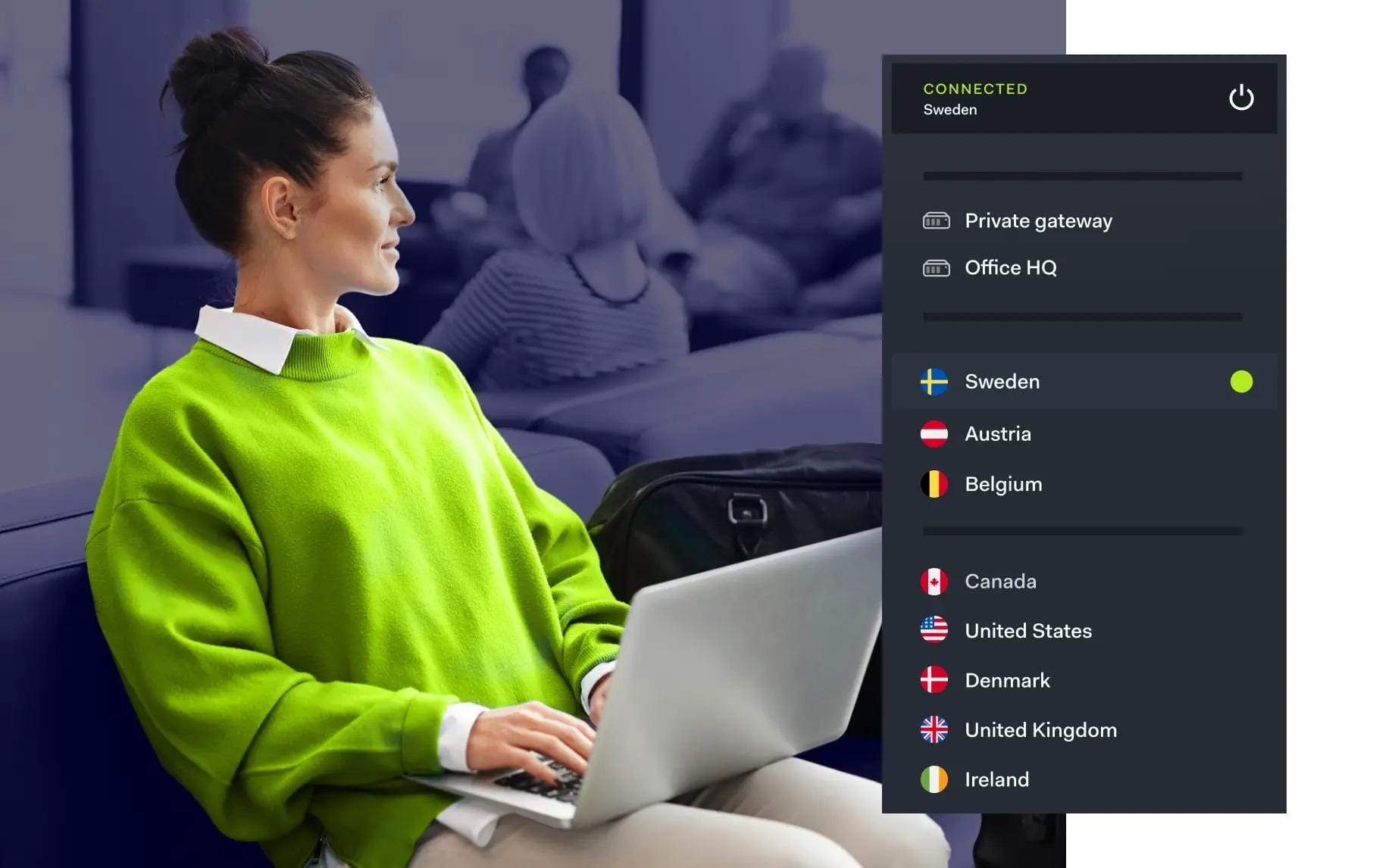
- Pick your server location, aiming for a city as close as possible to your game’s regional servers. For example, if you’re joining a Valorant match on NA-East, pick New York or Ashburn, not London.
- Tweak the settings: Some VPNs let you change protocols for better speed (try WireGuard or IKEv2), and always turn ON the “kill switch” feature for safety.
- Run a speed or ping test (Speedtest.net, or an in-game ping stat) before and after connecting.
- Boot your game and see if the new “route” is smoother.
Small tip: Don’t be afraid to try different servers. Sometimes that “almost local” option is faster than the actual nearest one.
6. Boosting In-Game Security: Stay Safe from DDoS and Data Leaks
Anyone who streams, competes, or hops into public voice chat has seen what happens when your IP gets targeted; a flood of traffic can tank your connection. Gaming VPNs don’t just boost privacy; they’re a shield against DDoS attacks, especially if you’re climbing the ladder in League of Legends or shoutcasting your way up Twitch.
VPN encryption also guards your account details and session data, making public Wi-Fi safer next time you’re gaming at a hotel or a LAN party. Think of it as a helmet; maybe not always glamorous, but you’re glad it’s on when things get rough.

- Some VPNs offer split tunneling, allowing you to route only game traffic through the VPN.
7. Troubleshooting: Common Issues When Using a VPN for Gaming
Not every gaming VPN experience is buttery-smooth. We’ve slammed into higher ping, login issues, or games outright refusing to connect when a VPN is active.
Here are quick fixes that have saved us:
- Switch VPN servers; sometimes one’s overloaded or blacklisted.
- Change protocols in the VPN settings.
- Whitelist the game app if firewall issues pop up.
- Check the game ToS; some (like Valorant) frown on VPN use or may totally block it.
- Reach out to VPN support; good ones have 24/7 chat with solutions for specific titles.
A little experimentation goes a long way.
8. Real Talk: Do VPNs Work for Every Game?
We wish the answer were “yes,” but the truth is, gaming VPNs’ performance varies. Fast-paced FPS games like Apex Legends are fiercely sensitive to ping and will punish even small added delays, while some MMOs or strategy games (where split-seconds matter less) tolerate it just fine. Also, some competitive games take a hard line against VPNs to fight cheating; don’t skip the game’s official guidelines or community forums before jumping in, especially for titles like Valorant or Warzone.
The best move is always to test with a disposable account first, watch for issues, and only then make it part of your regular loadout.
Here’s a concise, on-topic gist of Tournova services that’s directly relatable to your “Gaming VPNs for Better Ping and Security” article. All information is sourced strictly from your uploaded Tournova documentation, and the heading is crafted to fit seamlessly into the guide.
Tournova: Tournament Tools Built for Real-World Online Challenges
In the modern gaming landscape, where lag, DDoS threats, and privacy concerns make gaming VPNs part of a serious gamer’s toolkit, Tournova supports players and organizers by delivering tournament management that’s both accessible and resilient. Built for Telegram and Discord, Tournova automates everything from player matching and brackets to reporting and prize distribution, so competitors can focus on their game, not on the hassle of logistics; even if their toolbox includes a VPN for better ping or security.
- Test different servers within the VPN to find the one that offers the lowest ping.
What sets Tournova apart is its robust, token-driven ecosystem and Web3 integration, powering fair rewards and secure transactions without extra complexity. Whether you’re a casual player seeking community events, a competitor chasing cash prizes, or an organizer looking for streamlined, customizable controls, Tournova’s user-friendly approach ensures seamless tournaments, no matter your tech setup or network strategy.
Closing Things Up: Master Your Connection, Maximize Your Game
VPNs can be a secret weapon for the right gamer: helping bypass unfair throttling, heal bad ping days, and shield against security threats, both common and obscure. Like any tool, the magic is in the setup and real-world testing. We’ve swapped stories, found the best servers by trial, and even rescued a tournament run with a last-minute VPN switch. If you’ve got VPN war stories, secret server picks, or burning questions, lay them on us; drop your tip or tale in the comments and help the next gamer on their quest for smooth, safe gaming. Now it’s your turn: Have you ever rescued a match (or ruined one!) with gaming VPNs? Share your funniest, weirdest, or most epic gaming VPN stories below; let’s build the ultimate community resource!
FAQs
Q1. Can I use a gaming VPN on console (PS5/Xbox)?
Yes, but you’ll usually set it up on your router or share your PC’s VPN connection; there’s no direct app for consoles (yet).
Q2. Are free VPNs safe for gaming?
Generally, no. Free VPNs often come with unreliable speeds, data caps, and weaker privacy guarantees. They may be okay for basic browsing, but not recommended for gaming performance or security.
Q3. Will a VPN help me unlock region-exclusive events or servers?
Often, yes; a VPN lets you appear in eligible regions for events or test servers, but be careful: some games have rules against this and may issue bans.
Q4. How do I know if my VPN is actually protecting my real IP in-game?
After connecting, visit a “What’s My IP” website or check network status in-game if available. Always verify before hopping into ranked or streaming.
—
Infographics:
## 🎮 Gaming VPNs: The Playbook for Better Ping & Secure Play
—
1️⃣ . Why Consider a Gaming VPN?
– Bypass lag & throttling: VPNs can sometimes find faster routes to game servers, cutting ping and avoiding ISP slowdowns.
– Stay protected: Hide your IP and guard against DDoS attacks, especially in open lobbies or while streaming.
4️⃣ Choosing the Right VPN
– Seek many servers, strong speeds, no-logs, and a kill switch for safety.
– Trusted names: NordVPN, ExpressVPN, ExitLag. Reddit feedback > paid ads.
—
5️⃣ Pro Setup Steps
– Download from official sites.
– Pick a server near your game’s region.
– Activate the kill switch.
– Try different servers for best results.